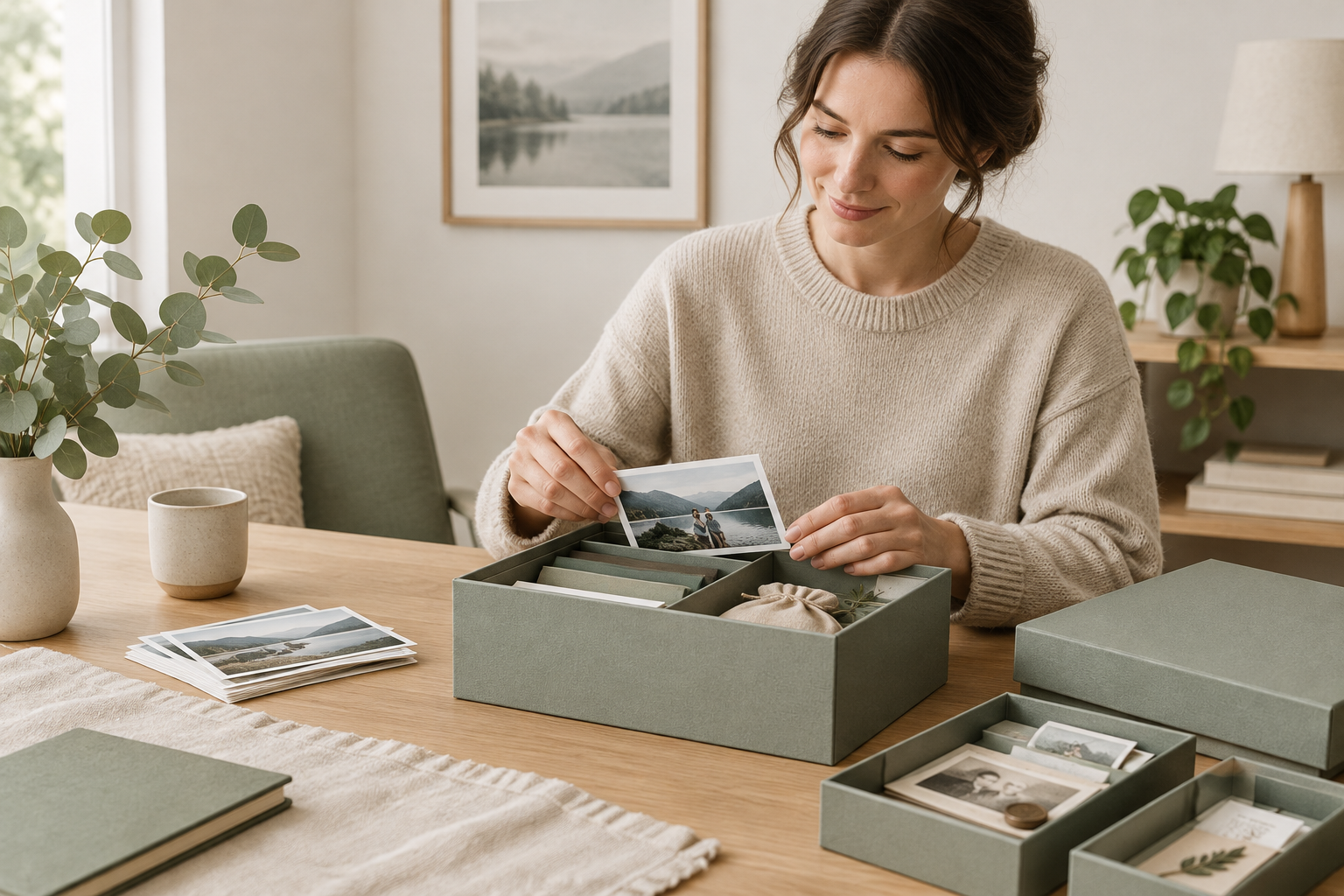
Short answer: Build a compact memories box system by choosing a limited number of archival-quality boxes, using simple keep/discard/digitize decisions, labeling and cataloging each item, digitizing paper and photo keepsakes, and scheduling short, regular "RESET" check-ins so sentimental items stay meaningful instead of overwhelming.
Why a memories box system matters (and how it fits the RESET Method)
Memory keeping and decluttering often clash: sentimental items are meaningful but can quickly become clutter. The RESET Method used at ResetNest Home treats memory sorting as a repeatable micro-project: plan a short session, sort with decision rules, preserve thoughtfully, label and store, then schedule maintenance. That approach helps you keep what matters while keeping your home calm.
Who this system is for
- Homeowners and renters who want to keep meaningful items without clutter.
- Busy parents who manage multiple children’s keepsakes.
- Anyone facing an overwhelming pile of paper, photos, and small objects but unsure where to start.
Quick overview: the 6-step memories box system
- Plan a short session (30–90 minutes) and gather supplies.
- Choose boxes and limits (per person or category).
- Sort with clear decision rules: Keep / Digitize / Let go / Gift.
- Preserve physically: archival materials and safe storage.
- Digitize and back up: photos, letters, drawings.
- Label, catalog, and schedule a regular RESET review.
Step 1 — Quick plan and assembly
Set a single achievable goal (e.g., reduce a single pile into one box). Gather: archival boxes or sturdy lidded boxes, acid-free tissue or envelopes, small clear bags, a label maker or permanent markers, a flatbed scanner or phone with a scanning app, and a timer. Keep it short — the RESET Method favors short wins you can repeat.
Step 2 — Choose containers and limits
Decide whether boxes are by person, event, or category. Common choices: one box per person (child or adult), or boxes for "School & Milestones," "Travel & Adventure," and "Family Documents." Limit size to a single archival box per person or a fixed number of boxes for the household to prevent overflow.
Step 3 — Sort using practical decision rules
Work item-by-item. Use these rules to decide quickly:
- Emotional value: Does this item bring a specific, repeatable memory or feeling? Keep if yes; otherwise consider digitizing or letting go.
- Uniqueness: Is it one-of-a-kind (handwritten letter, original drawing)? Prioritize keeping originals; duplicates can be digitized.
- Condition & usefulness: Fragile but meaningful items can be preserved; damaged items with low meaning can be photographed and let go.
- Space rule: If you have a limited box, ask whether this item is among the top 20% most meaningful for this person/event.
Step 4 — Preserve physical keepsakes
Place preserved items in archival boxes or sturdy, lidded containers. Use acid-free tissue or envelopes for paper and photos, and avoid adhesive tape directly on keepsakes. Store boxes in a cool, dry, stable location away from basements or attics if possible. For small three-dimensional items, use cushioning and label with origin and date.
Step 5 — Digitize smartly
Digitizing shrinks physical storage needs and makes sharing easier. Scan photos, letters, certificates, and children’s artwork. For quick digitization:
- Use a flatbed scanner for photos and documents to capture detail.
- Use a phone scanning app for bulky items or quick captures; photograph in natural light on a neutral background.
- Name files with date, person, and short description (e.g., 2018-06-12_Emma_first-poem.jpg).
- Store digital files in at least two places — a cloud backup and a local copy — and include a short text file listing the physical items you chose to keep.
Step 6 — Label, catalog, and schedule maintenance
Label boxes on the top and front so they’re easy to identify. Keep a simple inventory (a notebook, spreadsheet, or photo list) describing each item or category inside the box. Finally, add a recurring calendar reminder: a 15–30 minute quarterly or annual RESET session to review recent keepsakes and cull what no longer fits.
Decision framework checklist (printable)
- Purpose: Why am I keeping this? (memory, heirloom, documentation)
- Rarity: Is the item unique or replaceable?
- Condition: Will it survive storage or require special care?
- Display or use: Will I want to see/handle this regularly?
- Box space: Does it fit within my chosen box limit?
- Digitize instead: Can a high-quality digital copy preserve the memory without physical storage?
Common mistakes and how to avoid them
- Saving everything: Use strict box limits. If it doesn’t fit, make a decision.
- Poor labeling: Label at the time of sorting; don’t rely on memory.
- Delaying digitization: Schedule a short scanning session right after sorting to avoid a new backlog.
- Wrong storage environment: Avoid attics and damp basements; choose a stable, indoor closet or shelf.
- Overcomplicating categories: Start simple — you can refine categories later during RESET reviews.
Maintenance and follow-through
Set a repeating reminder that fits your household rhythm: a quarterly 15-minute check for new keepsakes and an annual 30–60 minute review for older items. Rotate favorites into a small display and remove items that no longer feel meaningful. When a loved one passes on items to you, use the decision framework immediately to avoid sudden accumulation.
When to call it done
You're done when each person or category has one clearly labeled box (or your chosen limit), a basic digital backup of irreplaceable items, and a scheduled RESET review. The goal is not perfection — it’s a sustainable system that keeps what matters and prevents piles from returning.
Need a simple step-by-step plan to get started? Download our free 30-Day Home RESET Starter Kit for a room-by-room plan, checklists, and short routines that make keepsake sorting manageable: Get the 30-Day Home RESET Starter Kit.
Related reading
For more decluttering strategies that pair well with a memories box system, see our collection on the decluttering cluster: More decluttering guides.
FAQ
- How many keepsakes should I allow per person? Choose a practical limit that matches your storage goals — many households find one archival box per person a helpful starting point. Adjust if needed during review sessions.
- Should I keep original artwork from kids? Keep a few originals that are especially meaningful; photograph or scan the rest and keep digital versions to reduce physical volume.
- What archival materials do I really need? Acid-free boxes and tissue are the most useful basics. For photographic prints, use photo sleeves if you handle them often.
- Can I throw away damaged items? If an item’s emotional value is low and it’s damaged, consider photographing it and letting the physical piece go.
- How do I involve family members? Give each person ownership of their box and schedule short joint RESET sessions to decide together.
Next step (easy win)
Start with a single 30–60 minute session: gather one pile, pick one box limit, and complete Steps 1–3. If you want an organized, step-by-step starter plan with checklists and quick routines modeled on the RESET Method, download the free 30-Day Home RESET Starter Kit here: Download the free starter kit.
Tip: Treat this as a gentle household habit rather than a one-time purge. Small, frequent RESETs keep memories meaningful and your home calm.
